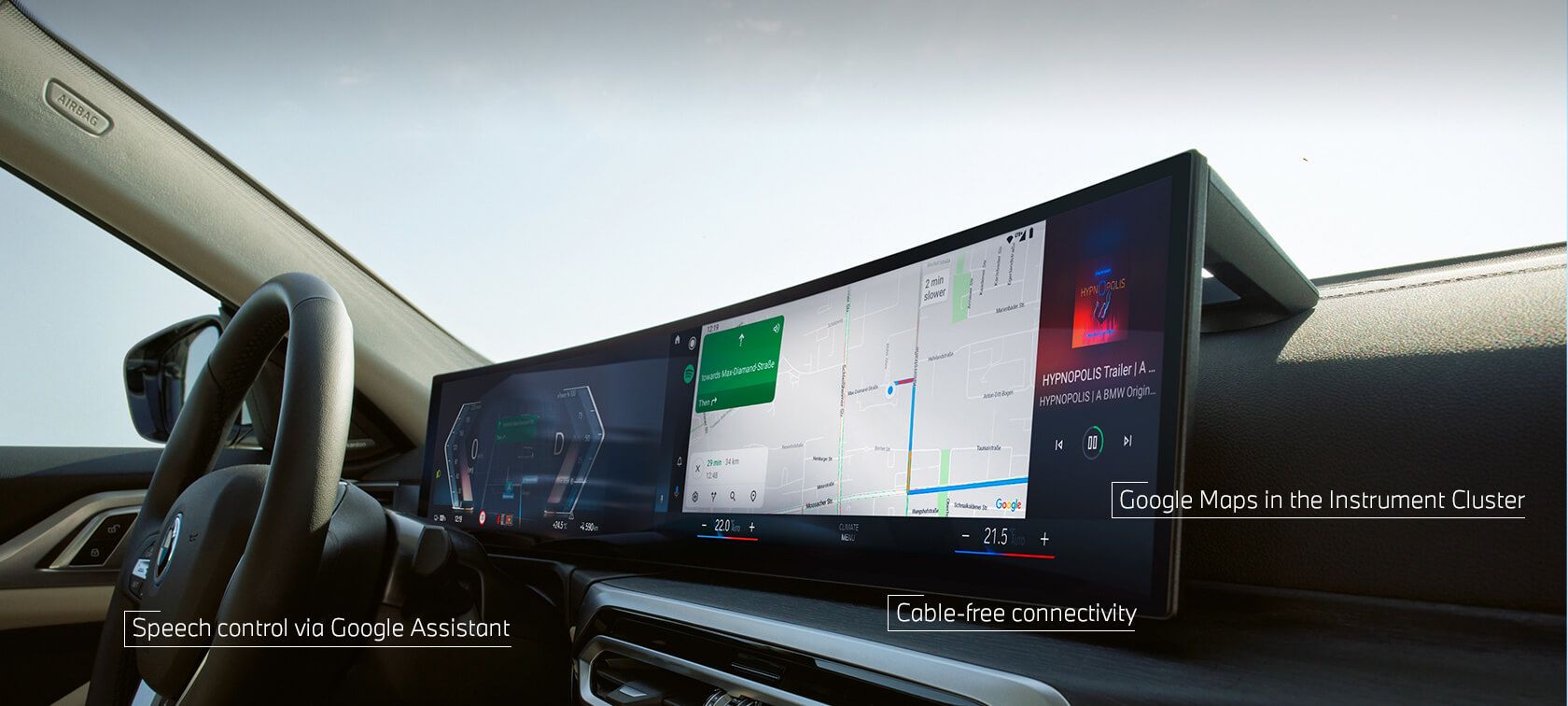
I know, we seem to be quoting ‘Apple CarPlay and Android Auto’ more often than kilowatts and torque lately. Here’s why.
We’ve had a variety of ways to connect our smartphones to our cars for years, but with the increasing power of smartphones and the growing need for safer driving, new screen-sharing options like Apple CarPlay and Android Auto are quickly becoming the standard.
How do they work?
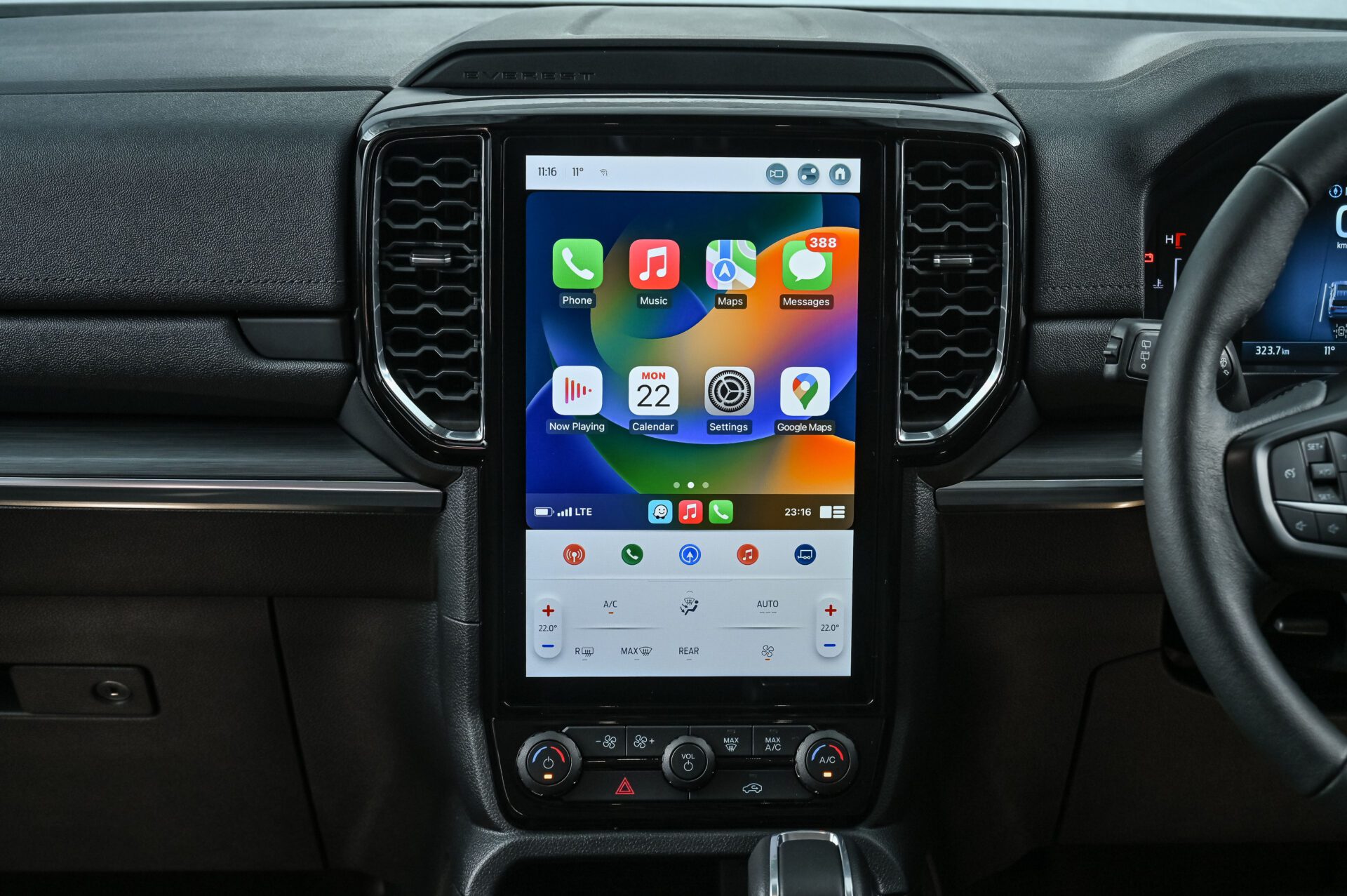
Both Apple CarPlay and Android Auto are designed to make it easier and safer to use your smartphone while driving. They do this by displaying a simplified version of your phone’s interface on your car’s infotainment system. This means you can access all of your favorite apps, such as navigation, music, and messaging, without having to take your eyes off the road.
How do I get started?
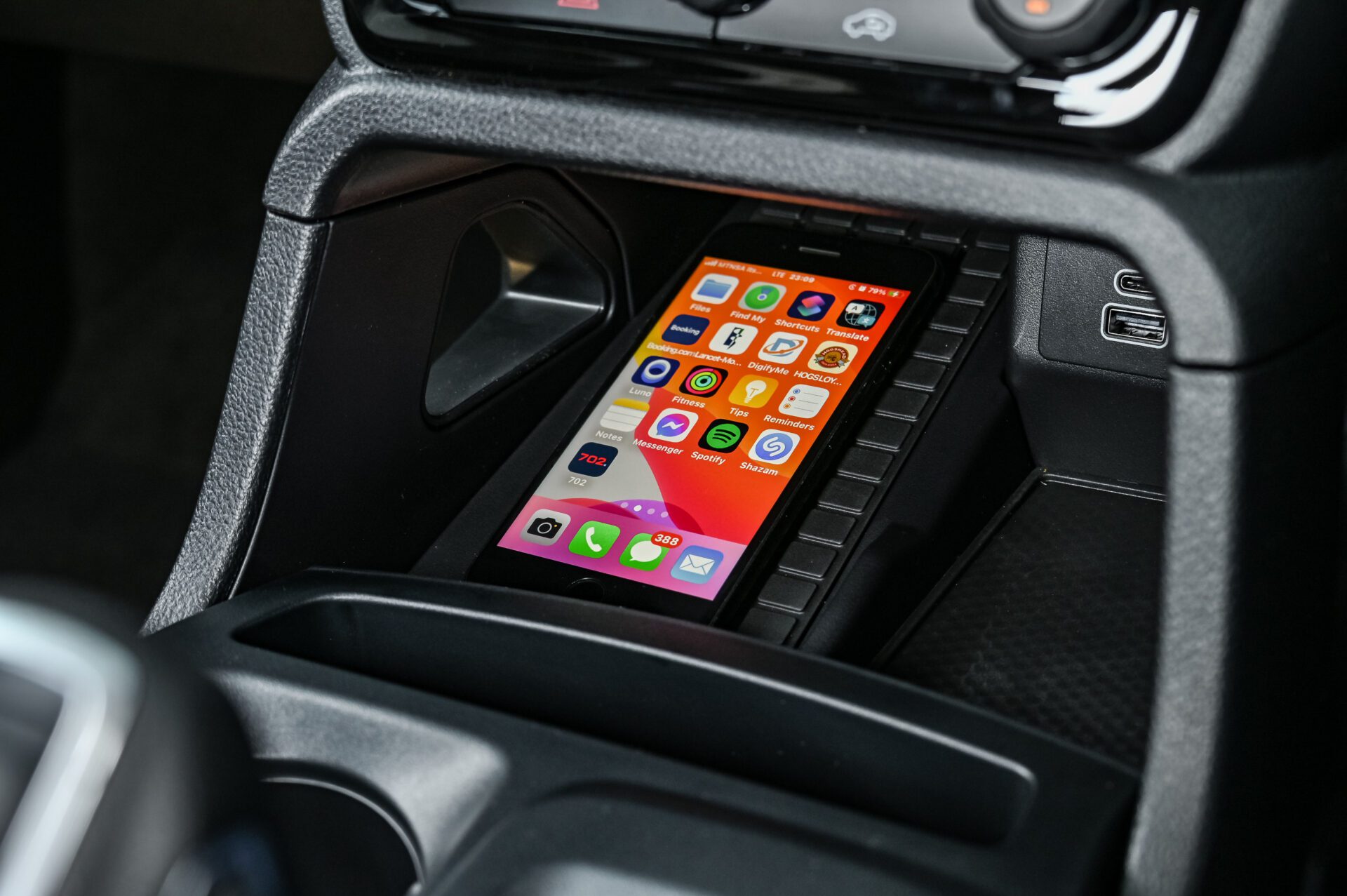
If you have an iPhone, you can enable Apple CarPlay by connecting your phone to your car’s USB port. Android Auto works in a similar way, but you’ll need to download the Android Auto app from the Google Play Store first.
What apps are supported?
Both Apple CarPlay and Android Auto support a wide range of apps, including popular navigation apps like Google Maps and Waze, music streaming services like Spotify and Apple Music, and messaging apps like WhatsApp and Facebook Messenger.
What are the benefits?
There are many benefits to using Apple CarPlay or Android Auto, including:
Safer driving: By keeping your eyes on the road and your hands on the wheel, you can help to reduce the risk of accidents.
Easier access to your favorite apps: You can access your favorite apps without having to fumble with your phone.
More features: Apple CarPlay and Android Auto offer a variety of features that are not available on the standard car infotainment system, such as voice control and split-screen viewing.